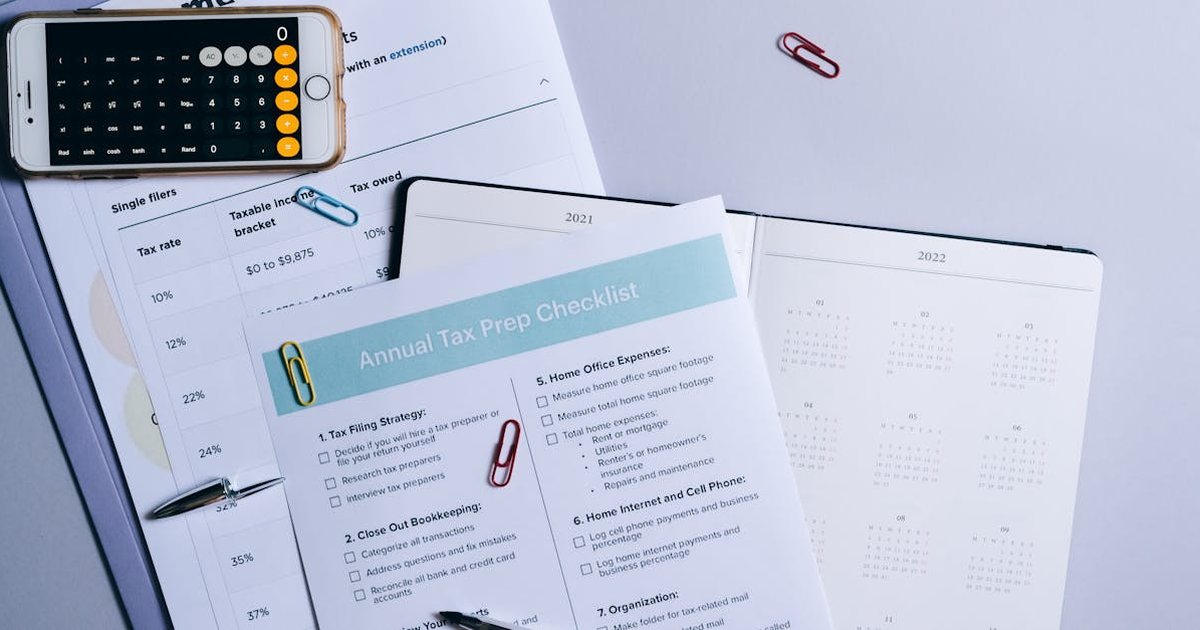
Annual Budget Template: Plan Your Entire Year’s Finances in One Place
An annual budget template gives you a bird’s-eye view of your finances that monthly budgets miss. While tracking monthly spending is essential, some of your biggest expenses — insurance premiums, car registration, holiday gifts, vacations — only happen once or twice a year. This annual budget template helps you plan for every dollar across all 12 months.
Why Monthly Budgets Aren’t Enough
Monthly budgets are great for recurring expenses, but they fail at:
- Irregular expenses: Annual insurance, property tax, car maintenance
- Seasonal spending: Holidays, back-to-school, summer vacation
- Big-picture goals: Are you actually making progress on debt or savings year-over-year?
- Income variations: Bonuses, tax refunds, side hustle seasonal income
An annual budget captures what monthly views miss.
Your Annual Budget Template
Section 1: Annual Income Overview
| Income Source | Monthly | Annual |
|---|---|---|
| Primary salary (net) | $_____ | $_____ |
| Spouse/partner income | $_____ | $_____ |
| Side hustle/freelance | $_____ | $_____ |
| Investment income | $_____ | $_____ |
| Tax refund | — | $_____ |
| Bonuses | — | $_____ |
| Total Annual Income | $_____ |
Section 2: Fixed Annual Expenses
| Expense | Monthly | Annual | Due Month |
|---|---|---|---|
| Rent/Mortgage | $_____ | $_____ | Monthly |
| Car payment | $_____ | $_____ | Monthly |
| Car insurance | $_____ | $_____ | _____ |
| Home/renters insurance | $_____ | $_____ | _____ |
| Life insurance | $_____ | $_____ | _____ |
| Property tax | $_____ | $_____ | _____ |
| HOA fees | $_____ | $_____ | _____ |
| Subscriptions | $_____ | $_____ | Various |
| Total Fixed | $_____ |
Section 3: Variable Annual Expenses
| Category | Jan | Feb | Mar | Apr | May | Jun | Jul | Aug | Sep | Oct | Nov | Dec | Annual |
|---|---|---|---|---|---|---|---|---|---|---|---|---|---|
| Groceries | |||||||||||||
| Utilities | |||||||||||||
| Gas/Transport | |||||||||||||
| Dining out | |||||||||||||
| Entertainment | |||||||||||||
| Clothing | |||||||||||||
| Healthcare |
Section 4: Irregular & Seasonal Expenses
This is where an annual template shines. Map out every non-monthly expense:
| Expense | Amount | Month |
|---|---|---|
| Car registration | $200 | January |
| Valentine’s Day | $100 | February |
| Tax preparation | $200 | March |
| Spring home maintenance | $300 | April |
| Mother’s/Father’s Day | $100 | May/June |
| Summer vacation | $2,000 | July |
| Back to school | $500 | August |
| Fall car maintenance | $300 | September |
| Halloween | $75 | October |
| Thanksgiving travel | $500 | November |
| Christmas/Holiday | $1,200 | December |
| Birthday gifts | $500 | Various |
| Annual doctor/dentist | $300 | Various |
| Total Irregular | $6,275 |
How to Set Up Your Annual Budget (Step by Step)
Step 1: Gather Last Year’s Data
Pull 12 months of bank and credit card statements. Categorize every transaction. This reveals your actual spending patterns — not what you think you spend.
Step 2: Calculate Your Annual Income
Add up all income sources. Include irregular income (freelance, bonuses) at conservative estimates — use last year’s actual numbers if possible.
Step 3: Map Irregular Expenses to Months
Using the template above, place every known irregular expense in its calendar month. This prevents “surprise” bills.
Step 4: Set Annual Savings Goals
Decide on yearly targets:
- Emergency fund contribution: $____
- Retirement (beyond employer match): $____
- Vacation fund: $____
- Home down payment: $____
- Other goals: $____
Divide each by 12 for your monthly savings rate.
Step 5: Use Zero-Based Budgeting
Assign every dollar of annual income to a category — expenses, savings, or debt payoff. Your income minus all allocations should equal zero. Learn more in our zero-based budgeting guide.
Step 6: Review Quarterly
An annual budget isn’t “set and forget.” Review every 3 months:
- Q1 (April): Tax season adjustments
- Q2 (July): Mid-year progress check
- Q3 (October): Holiday season prep
- Q4 (January): Year-end review and next year planning
Annual Budget vs Monthly Budget
| Feature | Monthly Budget | Annual Budget |
|---|---|---|
| Irregular expenses | Often missed | Fully planned |
| Big-picture view | Limited | Complete |
| Seasonal trends | Hard to see | Obvious |
| Goal tracking | Month-to-month | Year-over-year |
| Setup time | 15 minutes | 1-2 hours |
| Best for | Day-to-day spending | Strategic planning |
Best practice: Use both. The annual budget sets the strategy; the monthly budget executes it.
For those starting from scratch, our how to create a budget guide covers the fundamentals before you build out your annual plan.
FAQ
How is an annual budget different from a monthly budget?
An annual budget maps your finances across all 12 months, capturing irregular expenses (insurance, holidays, car maintenance) that monthly budgets miss. It gives you a complete financial picture and prevents “surprise” expenses throughout the year.
How often should I update my annual budget?
Review it quarterly and update whenever there’s a major life change (new job, move, baby, etc.). Monthly check-ins against your annual plan help you stay on track without constant overhauling.
What’s the best tool for an annual budget?
Spreadsheets (Excel, Google Sheets) work best for annual budgets because of the 12-month grid layout. Notion is great for combining your annual overview with monthly detail tracking.
Build Your Annual Budget Today
Ready to plan your entire year’s finances? Start with our free budget calculator to set your monthly targets, then use our budget templates on Gumroad — including annual planning worksheets, sinking fund trackers, and monthly-to-annual reconciliation tools. Take control of your full-year financial picture.